

To all Moodle Users:
You may have noticed that there’s been an update made to Moodle to add a new accessibility tool. Our old one was a bit limited and not functioning particularly well anymore.
Here's some key points:
- The widget can be located by looking in the bottom right hand corner of a screen for a yellow icon of a little person in a circle:

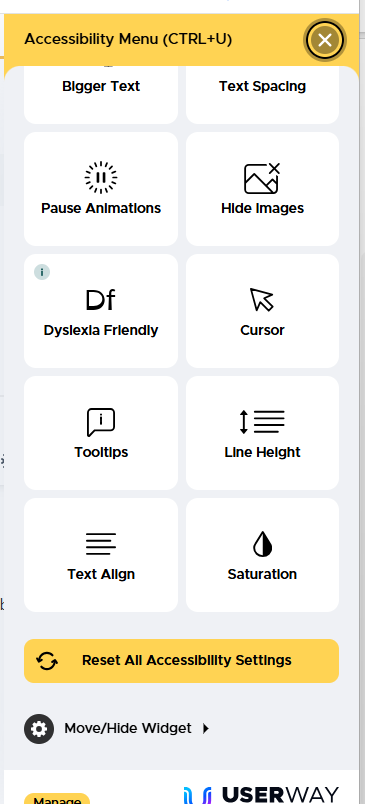
- Clicking on this person opens a pop-out menu which gives quite a lot of function to help you change the look of Moodle to make it more readable or in line with your preferences and needs. Options include:
- Changing the contrast between light and dark elements
- Changing text size and spacing.
- Enlarging the curser or adding a reading mask / guide
- dyslexia friendly pre-set options
- and much more
Please use these functions if it's helpful and to ignore it if it’s not. If you do use it then you don't be afraid of messing anything up. Any changes can be reset using the button at the bottom of the menu:
Best wishes,
Katie
Registry Manager